Create the order
Enter an order number in Pingora and show its QR code on your device. With Plus, use the guest display too.

PINGORA FOR RESTAURANTS & CAFÉS
Create an order number, show its QR code and let guests follow their order on their own phone. Notify them when it is ready, while your team keeps an overview.
14-day trial · No payment card required
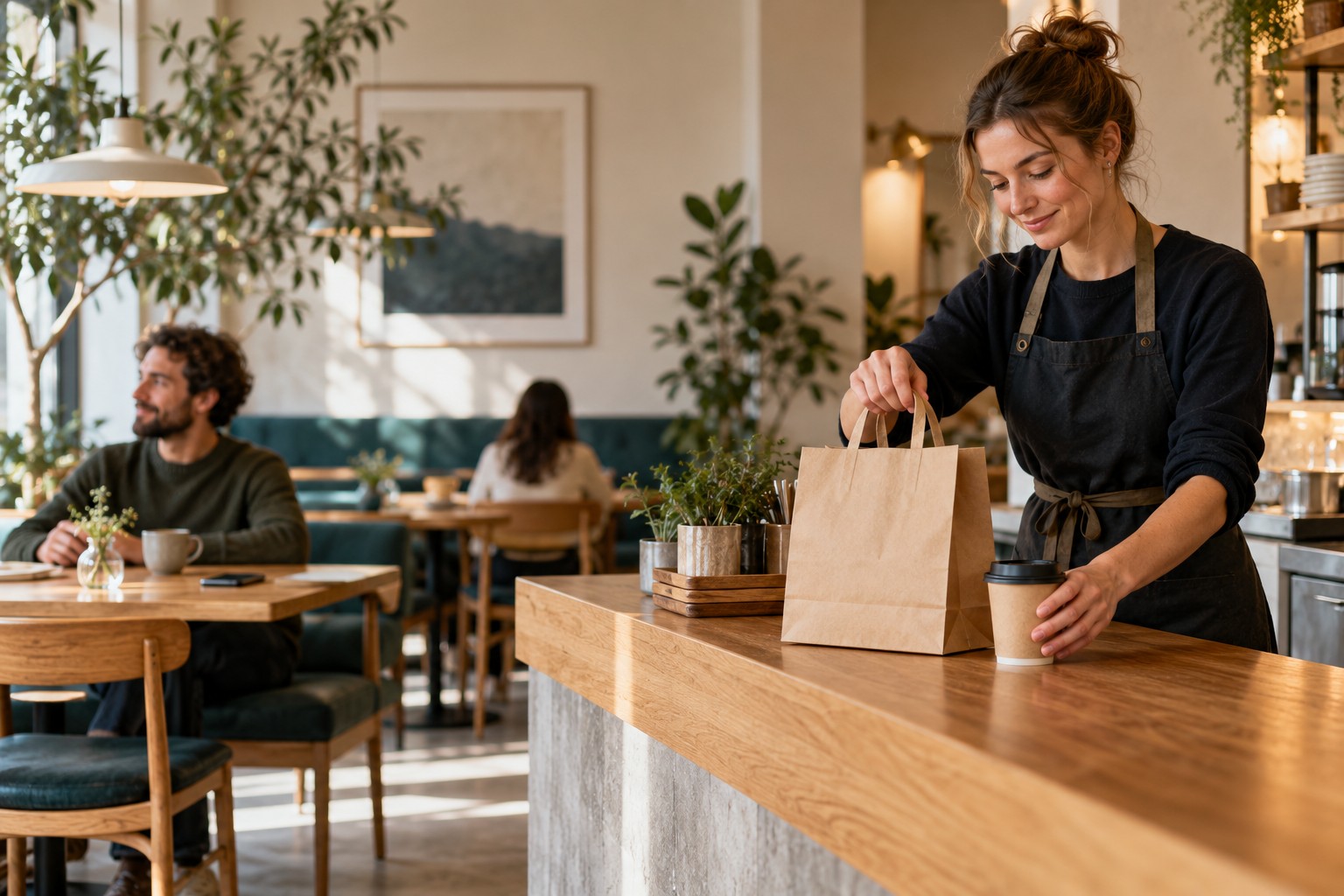
A SMALL CHANGE AT THE COUNTER
Enter an order number in Pingora and show its QR code on your device. With Plus, use the guest display too.
The QR opens a browser page with that order’s number and status. Ask the guest to activate sound or supported notifications.
Mark the order ready, see whether the guest acknowledges the alert, and mark it collected when it is handed over.
THE ACTUAL PINGORA EXPERIENCE
Keep preparing, ready and collected orders in the same dashboard. Guests follow their own order rather than searching a crowded counter.
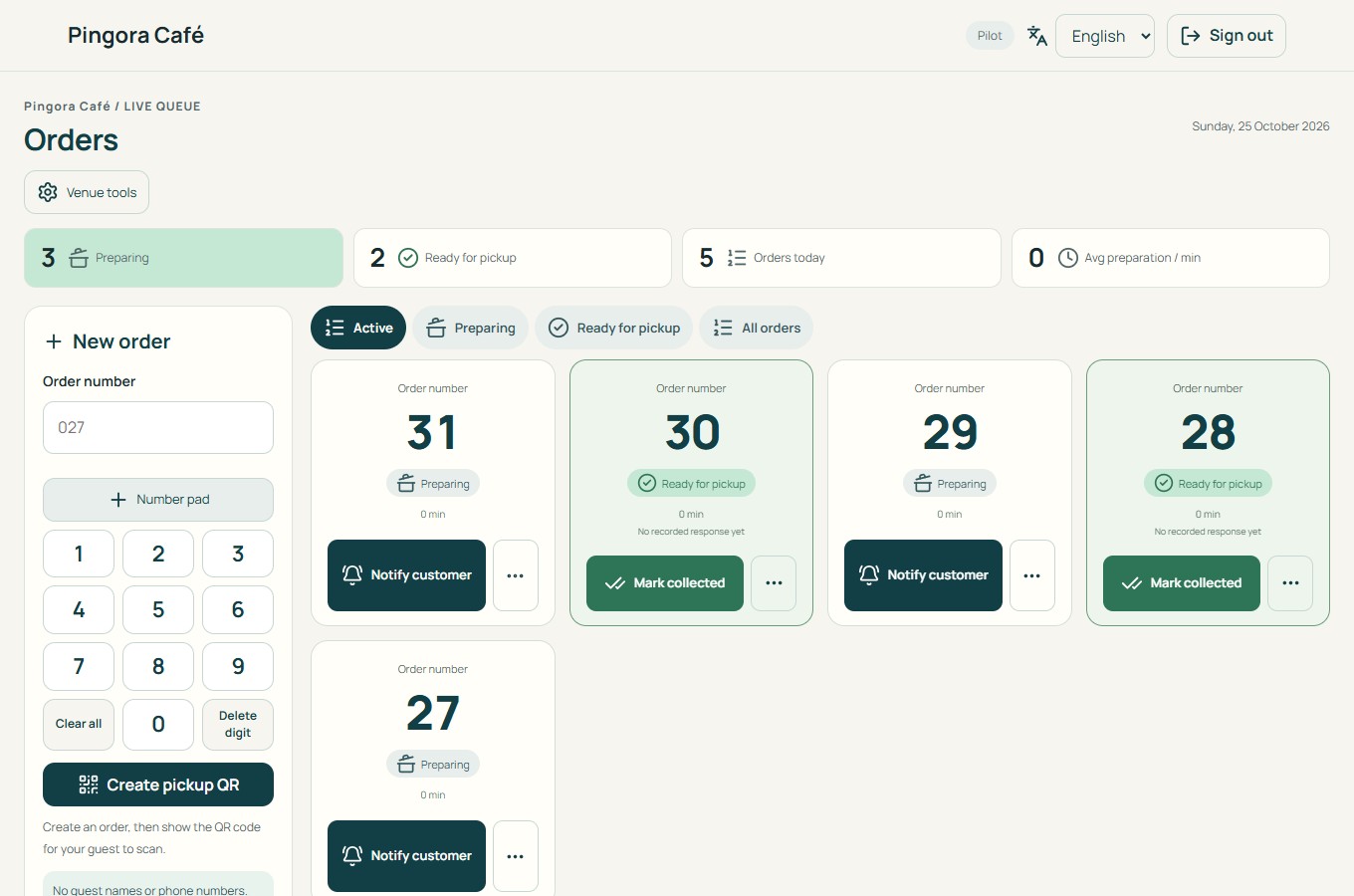
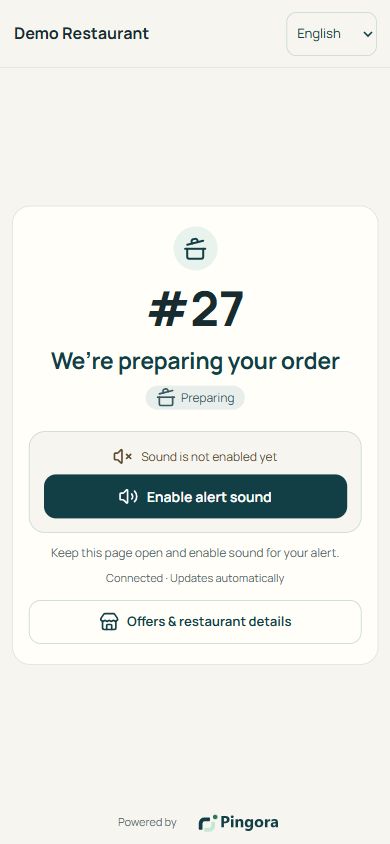
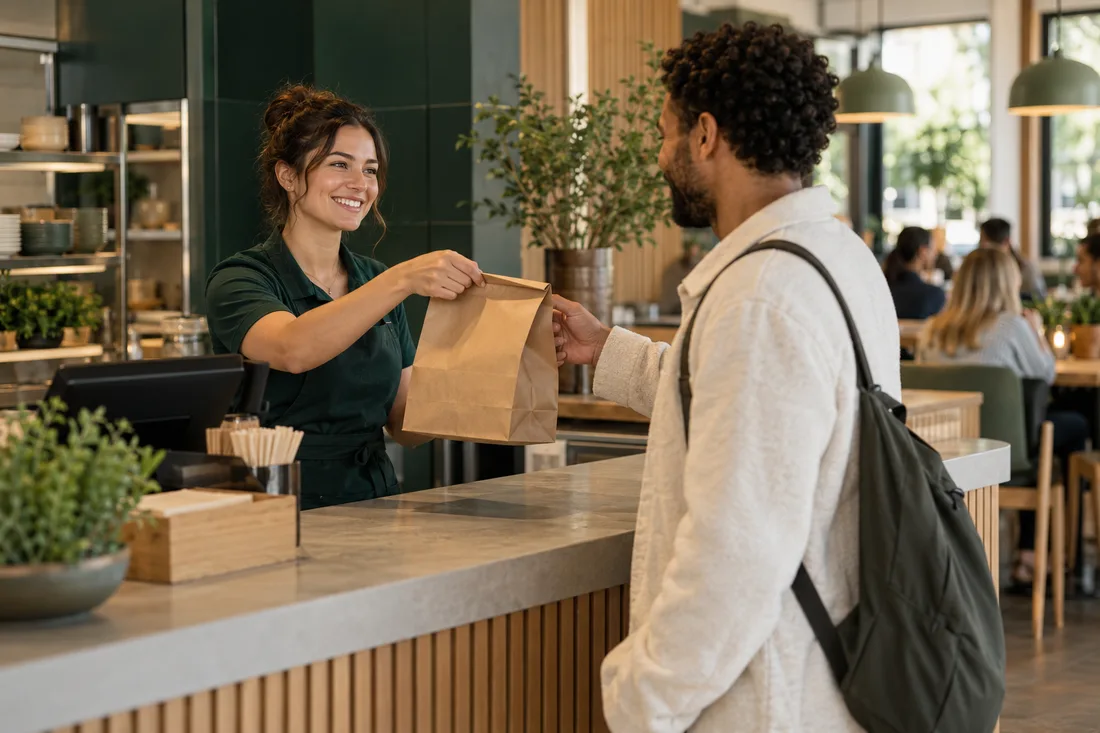
MORE FROM YOUR COUNTER SCREEN
Pingora Plus adds a branded guest display to everything in Basic. Show the order QR, ready-order numbers and your own photos or offers.
Use your own browser-enabled screen. Hardware is not included. Reviews are optional; ratings are never guaranteed.
Illustrative image created for Pingora. Not a customer endorsement.
14 DAYS FREE · NO CARD REQUIRED
A simple start
Manage orders and notify guests on their phones.
Contact us for pricing
Annual plan: 12 months with 10% off.
FOR A COMPLETE IN-VENUE EXPERIENCE
Add a branded display inside your venue.
Contact us for pricing
Annual plan: 12 months with 10% off.
Page sound requires the guest to activate it and keep the page open. On Android, optional Web Push in a supporting browser can notify in the background after permission. Delivery and sound depend on settings and connectivity.
On iPhone, background web notifications require adding the order page to the Home Screen and enabling notifications. An ordinary Safari tab cannot promise sound after screen lock.
Pingora is a separate workspace today. POS integration, SMS and payments for food are not included. Keep a spoken-number fallback for guests without a suitable phone.
BEFORE YOUR FIRST SERVICE
Use a staff device with a browser and internet, and a way to show the QR code. Plus needs your own browser-enabled guest screen. Try the full journey on your devices during the trial.
The 14 days start when the email address is verified. There is no automatic charge; online payment is not connected yet. New orders pause after the trial, while existing ones can be completed.
No app is required to view order status. Background notifications depend on the browser and device; iPhone requires a Home Screen web app. Ask guests to check their chosen alert method before waiting.
Keep using your current POS for ordering and payment. You enter the pickup number separately in Pingora; automatic POS integration is not included.